
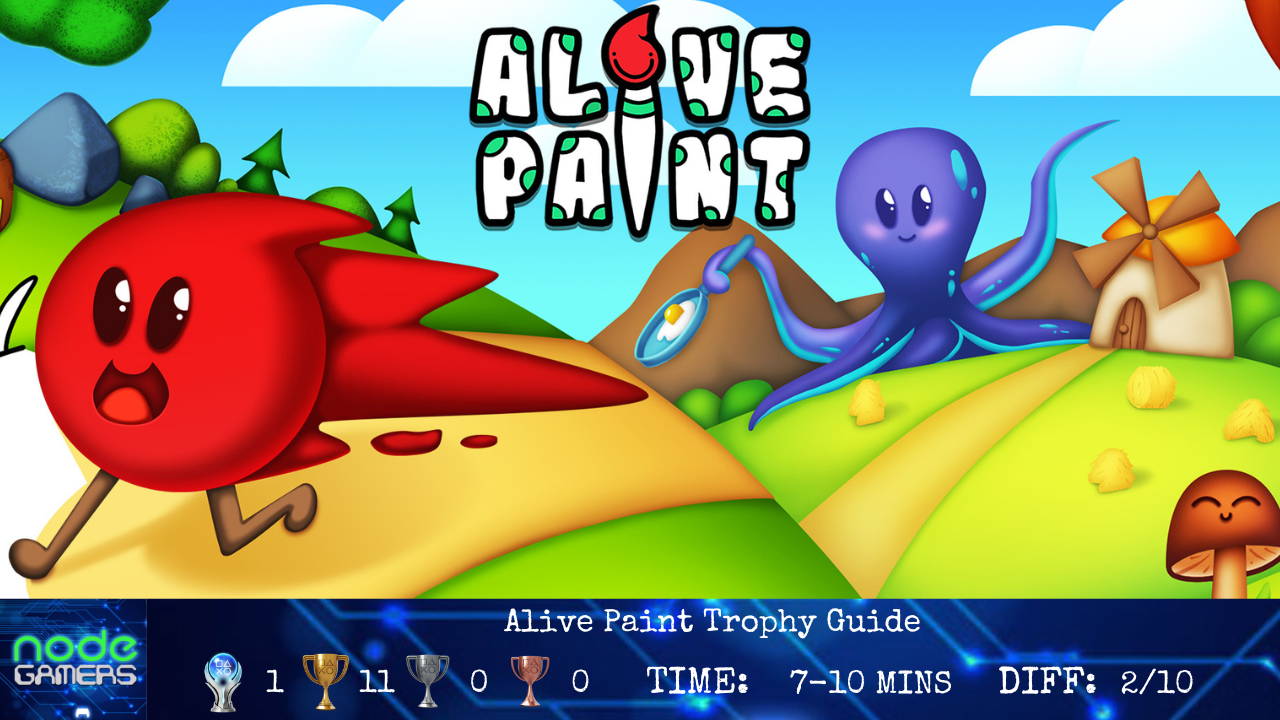
Trophy Roadmap
Difficulty: 2/10
Estimated time to Platinum: 7 – 10 min
Trophies: 12.  1 /
1 /  11 /
11 /  0 /
0 /  0
0
Missable trophies: None
Glitched trophies: None
Difficulty related: None
Playthrough: 46 Complete Paintings
Introduction
Welcome to the Alive Paint trophy guide!
From Khud0 and EastAsiaSoft, “Alive Paint is a digital coloring book that’s as simple as it is satisfying and good casual fun for players of any age. Use a palette of 20 colors to fill the black-and-white images in whatever way you see fit, then watch the pictures animate to celebrate your artistic accomplishment. Enjoy unlimited replay value and make the pictures unique every time you paint!“
Roadmap
Step 1: Main Menu
Whilst in the Main Menu you can grab a couple of miscellaneous trophies –
- Blue… No, green! – You will find a pallet of colours at the top of the screen; click on the colours randomly until the trophy pops.
- Colorful Cover – Whilst on the Main Menu you need to fully paint the blank picture available to you. You can view your completed percentage on the right hand side, and you do not need to change the colour of the paint whilst filling it in.
Step 2: Play (Paint)
Initially select Play from the Main Menu, then select Random Picture from the bottom of the screen. This will then highlight a particular picture it wants you to complete; head into this picture and fill the blank canvas to 100% for Destiny.
At any point throughout this painting press  ten times for Handy Tips, plus also paint the left side control panel (off of any buttons) for Neat Packaging.
Once you have filled in the first picture (all one colour again is fine), pause the animation with the controls on the left side once you have achieved 100% coverage. This will give you Halt.
Step 3: Complete all Paintings
The final trophies are awarded from completing all the pictures. You can move on to the next picture with the right arrow on screen once the previous has finished, and you do not have to change any colours; you simply need to fill all 45 canvas’ to 100%, and then the 46th picture for the final trophy. Use can utilise the arrows at the bottom of the screen as soon as you get the beginning of the animation.
During this step you’ll earn the following trophies:
Junior Artist
Intermediate Artist
Senior Artist
Lead Artist
Legendary Artist
Color Master
Tips and Strategies
- If you find that you are struggling to control the cursor, you can change your cursor speed in the Settings from the Main Menu. Ideally you will only need 1-2 in the speed settings.
- You can hold the
 button whilst painting to speed things up.
If you liked this guide, you’ll find more on our site.
You can also chat to our writers and friends by joining us on Discord with this link – Discord Invite
Trophy List
 Color Master Color Master  Unlock all other trophies. |
Neat Packaging  Add color to both the background and the UI frame of any picture. |
| Junior Artist Fully colorize 5 pictures. |
| Intermediate Artist Fully colorize 10 pictures. |
| Senior Artist Fully colorize 15 pictures. |
| Lead Artist Fully colorize 30 pictures. |
| Colorful Cover Fully colorize the main menu. |
| Handy Tips Use a hint 10 times. |
| Halt! Manually pause any object’s animation. |
| Legendary Artist Unlock and complete the last level of the game. |
| Blue… No, green! Change the cursor’s color 20 times within 10 seconds. |
| Destiny Let the game choose a random picture for you and listen to its suggestion. |
If you enjoyed this trophy guide, why not check out some more we have?
You can also join us in our Discord, Follow us on Twitter & Subscribe to us on YouTube
 NODE Gamers